Bring new people into the team
Track applicants, collect references and coordinate right-to-work checks and onboarding tasks. Keep recruitment connected with the workforce record.


Bring care delivery, your workforce and the day-to-day running of your organisation into one place.
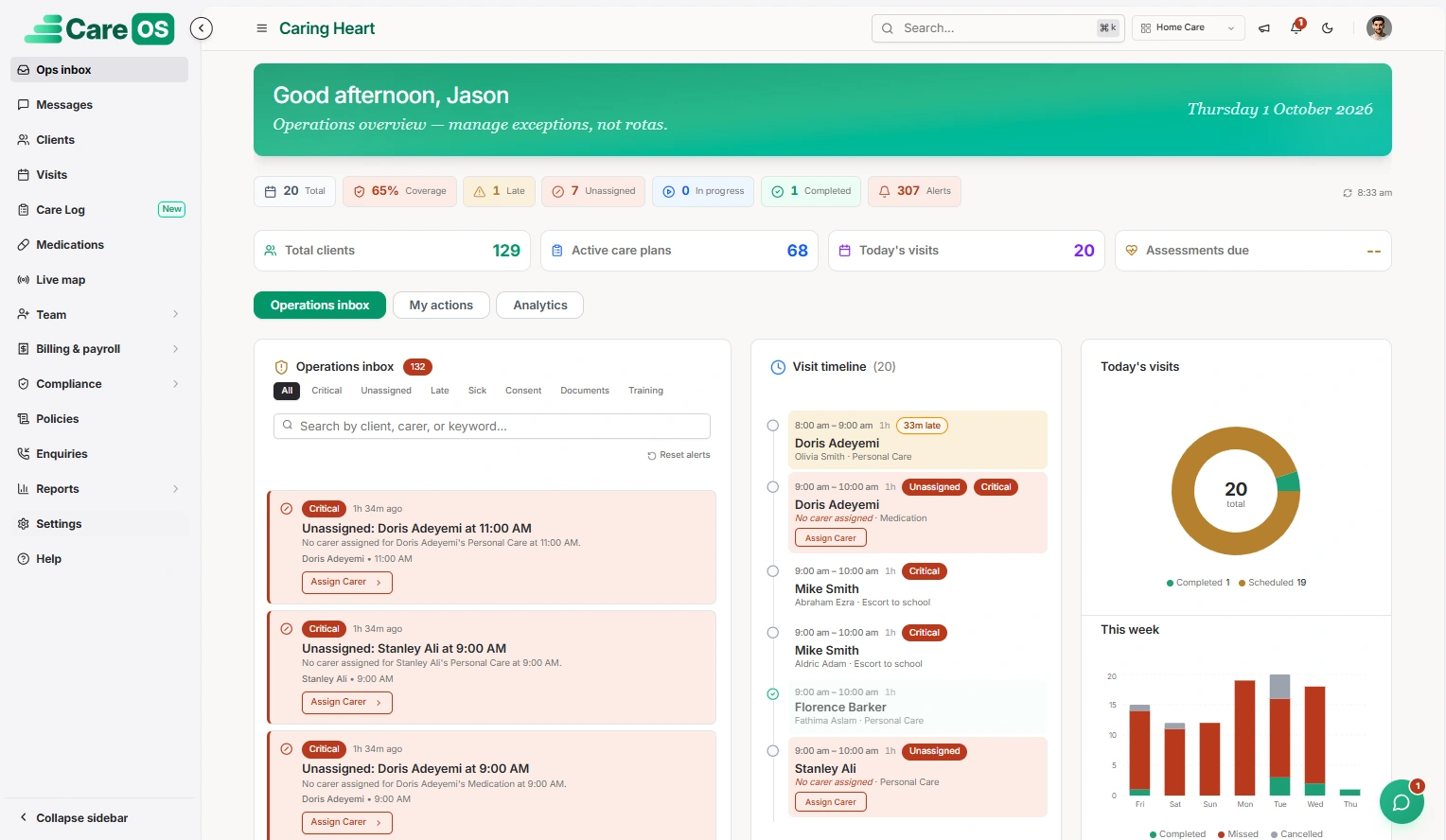
CareOS brings the wider operation into view, with connected tools for people, care and administration.
Track applicants, collect references and coordinate right-to-work checks and onboarding tasks. Keep recruitment connected with the workforce record.
Connect care plans, daily records and medication workflows. Carers can access schedules and record updates through the mobile app, while families can follow care through their portal.
Bring invoicing, payroll and reporting into the same platform. Role-based access and audit records support oversight, with a read-only inspector portal for sharing records.
Explore five care settings and Recruit AI, connected by one care management platform.
 01
01Coordinate home visits, personalised care and the people delivering it, with one view of your agency.
Explore solution 02
02Bring properties, tenancies and round-the-clock support together, with records that follow each person’s goals.
Explore solution 03
03Manage admissions, resident care and daily operations across residential and nursing homes.
Explore solution 04
04Connect client requests, available workers and approved hours in one staffing workflow.
Explore solution 05
05Keep placements, daily records and outcomes connected, with workflows shaped for children’s residential care.
Explore solution 06
06Bring recruitment and onboarding into your care operations, with structured screening and a clear record of each step.
Explore solutionCare plans, daily notes and medication records available to the people delivering support.
Recruitment, staff records and training status connected to scheduling.
AI-assisted matching considers availability, skills, continuity and travel.
Compliance records, audit trails and reporting help managers see what needs attention.
Keep teams and families informed through connected portals and messaging.
Bring approved hours, rate rules, invoices and payroll into the same workflow.
Start with the workflows you use most often. During a walkthrough, review real examples of schedules, records, approvals and reports, and discuss the needs of managers and frontline teams.
Identify the records you need to bring across, who owns them and how you will check their accuracy. Agree responsibilities, review sample imports and make room for your team to try the new workflows before switching.
Visit careos.uk or 20x.io to explore their current product details. Use our contact page to share your requirements and start a conversation with the ByteRiver team.
 LET’S WALK THROUGH YOUR WORKFLOW
A conversation about your organisation, followed by a product walkthrough shaped around your needs.
Book a CareOS demo